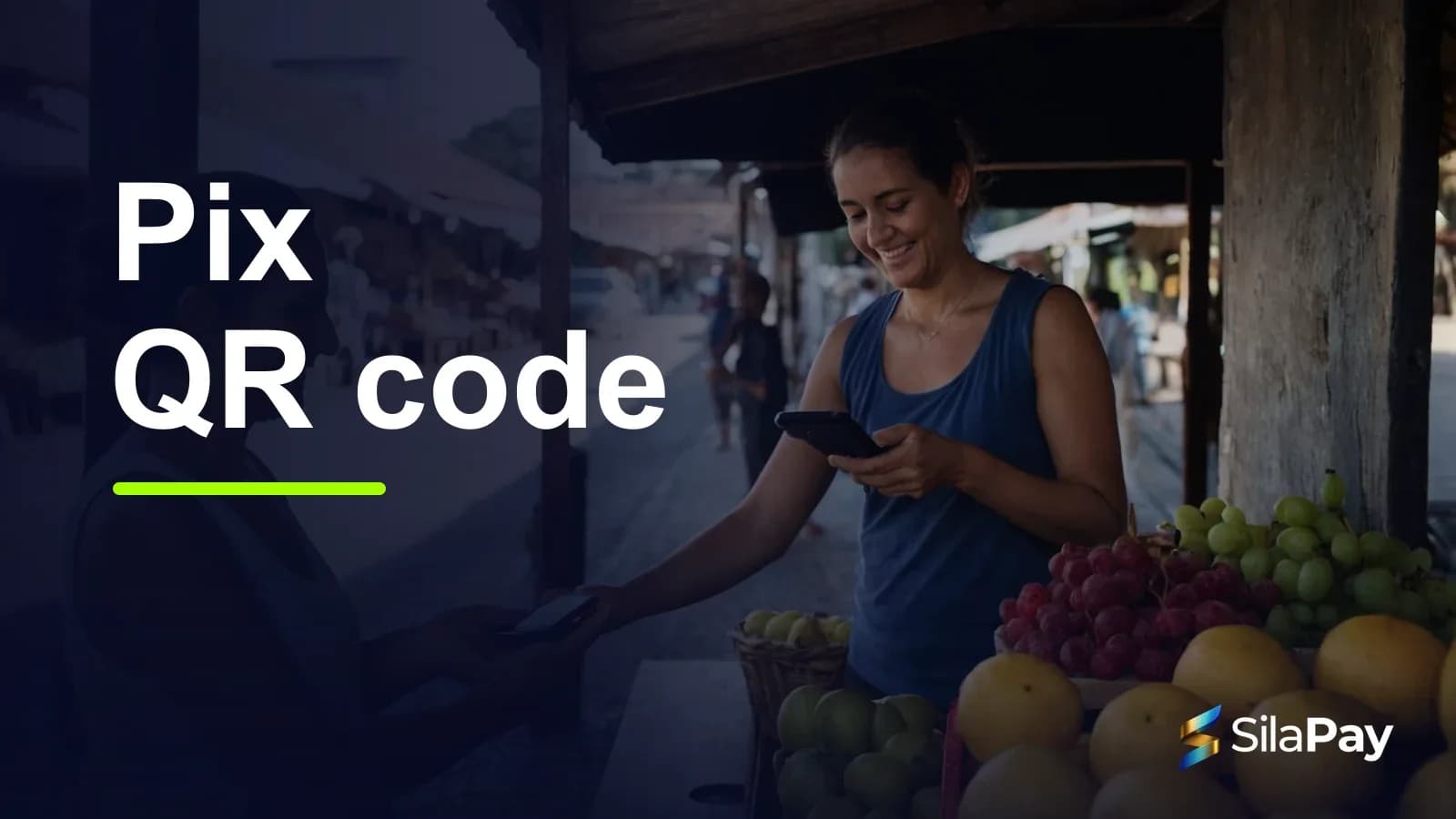
When it is time to pay by Pix, Brazilian customers will usually ask: “Do you have a QR code?” But not every Pix QR code is the same. There are two types, static and dynamic, and choosing the right one affects how fast your checkout runs and how easily you reconcile sales.
What is a static Pix QR code
It is a fixed code linked to the recipient's Pix key. It can carry a set amount or leave the amount open for the customer to type in. Because it never changes, it can be printed and used by many customers, as often as needed.
What is a dynamic Pix QR code
It is generated on the spot for a specific charge. It already includes the amount, the charge identifier and, in most cases, an expiry time. Each code is meant for a single payment, so you know exactly which sale has been paid.
How a dynamic QR code works, step by step
- You create the charge: enter the amount and a description or the items in the sale.
- The QR code is generated: it comes with a Pix copy and paste code.
- The customer pays: they scan the code with their banking app, check the amount and recipient, and confirm.
- The sale is confirmed: the payment is linked to that charge, with no need to check bank statements.
What about Pix copy and paste?
It holds the same content as the QR code, only as text. It is useful when the customer cannot scan the code with a camera, for example in a WhatsApp sale or when they are paying on the same phone where they received the charge. They copy the code, paste it into the Pix area of their banking app and confirm.
Static vs dynamic: the differences
- Amount: static is fixed or typed in by the customer; dynamic is set for each charge.
- Usage: static can be reused; dynamic is valid for one payment.
- Identification: with static, many payments land on the same code; with dynamic, each payment has its own charge.
- Reconciliation: with static, you check manually who paid what; with dynamic, payments are matched automatically.
- Risk of mistakes: with an open amount, the customer may type the wrong value; with dynamic, the amount is pre-filled.
Want to generate Pix QR codes for your sales? Open your Sila Pay account
When to use each one
- Static: donations, tips, contributions and businesses with a single price and low volume, where you do not need to identify each payment.
- Dynamic: shops with varying prices, multi-item sales, delivery, custom orders, online sales and any business that needs to close orders and cash accurately.
Pix QR codes with Sila Pay
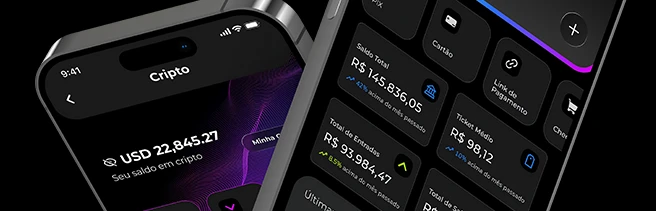
In the Sila Pay dashboard, you generate a Pix QR code for each sale: enter the amount and a description, or build a list of items, and you get the QR code plus the copy and paste code to send to the customer. Once the payment is confirmed, the dashboard shows the sale as paid.
Tips for getting paid with Pix QR codes
- Generate the QR code only after agreeing on the amount with the customer.
- For remote sales, also send the copy and paste code.
- Ask customers to check the recipient's name in their banking app before confirming.
- Treat a sale as complete only once your platform confirms it, not because of a screenshot of a receipt.
Frequently asked questions
Do dynamic QR codes expire?
Usually, yes: each charge has an expiry time. If it runs out, just generate a new code.
Is Pix copy and paste safe?
Yes, it is the same payment as the QR code. As with any Pix, the customer should check the amount and the recipient before confirming.
Can a customer dispute a Pix payment?
Pix has no chargebacks like cards do. For fraud or operational failures, Brazil's Central Bank provides the MED (Special Return Mechanism), triggered by the payer's bank.
Get paid by Pix with QR codes and automatic confirmation. Sign up for Sila Pay